
MEGA888 Account Login & Access Guide
Important information regarding account access, credential security, error codes, and authorized assistance pathways for Malaysian players.
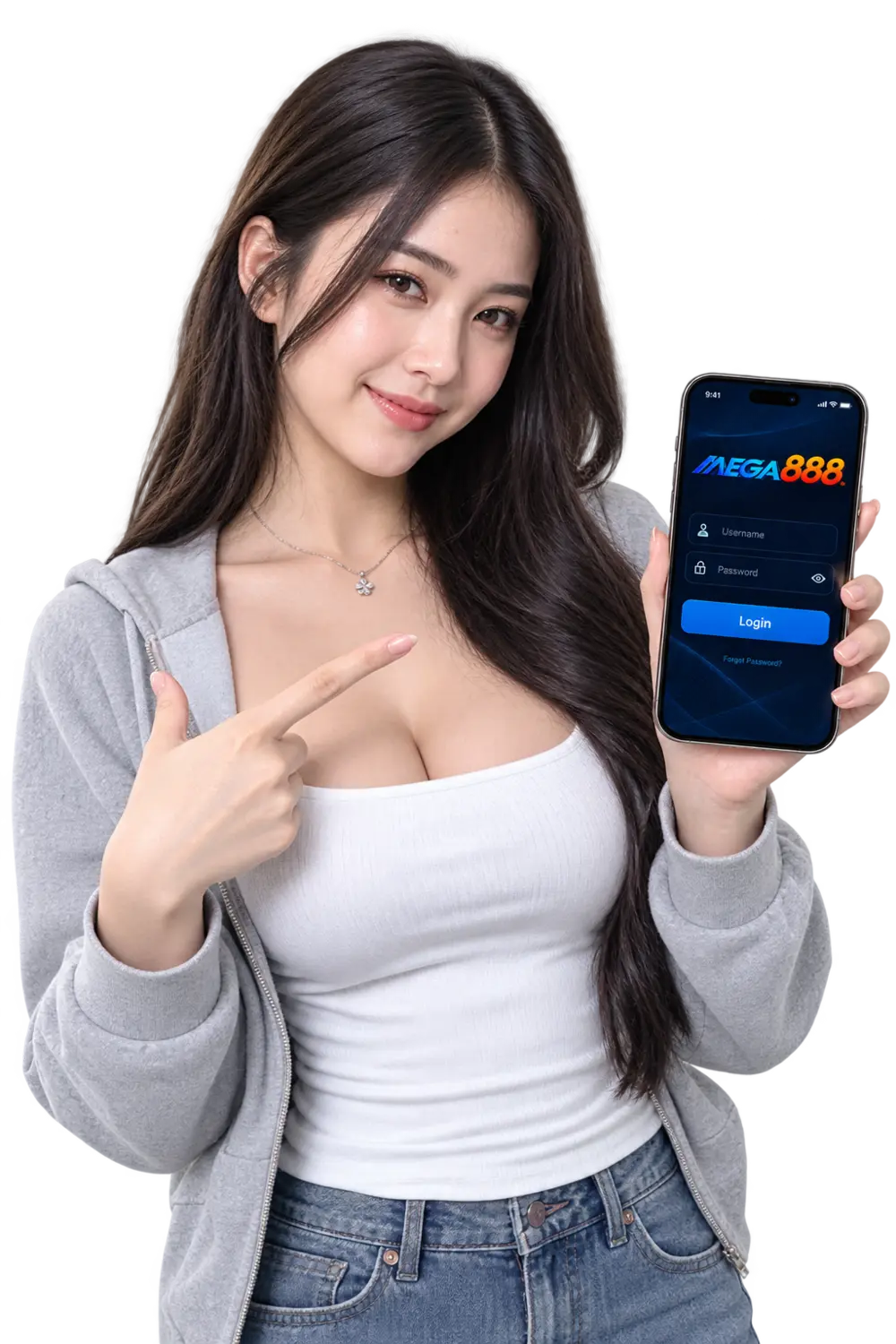
MEGA888 Selamat is strictly an informational and tutorial guide portal. There is no login form on this website. You should only ever enter your account username and password directly inside the official installed MEGA888 mobile application. Never submit your private gaming credentials to any third-party website, web form, or unverified chat agent.
How MEGA888 Account Access Works
Unlike standard social media or e-commerce websites where public self-registration forms are embedded into website headers, MEGA888 operates an account-provider infrastructure:
Personal gaming accounts are generated by authorized account providers in Malaysia who manage member balances, player deposits, and prize settlements.
Once you receive your individual username and temporary password, launch the downloaded MEGA888 app on your device and enter them manually.
Upon your initial login, the application will typically prompt you to change the temporary password to a secure, private password known only to you.
If you wish to test games before obtaining a personal account, you can use our publicly published Demo Test IDs for free evaluation.
Common In-App Login Errors & Fixes
Error: "Invalid ID or Password"
Double check caps lock and keyboard layout. Usernames and passwords are case-sensitive. If you have recently changed your password, ensure no accidental spaces were copied.
Error: "Account Locked / Frozen"
Multiple consecutive failed login attempts may trigger a temporary security lockout. Contact the representative who issued your account to request a password reset.
Error: "Connection Failed / Server Busy"
Ensure your mobile data or Wi-Fi is actively connected. If routine maintenance is taking place on the game servers, access will resume once maintenance completes.
Lost Your Password?
Because MEGA888 is an independent client software, this website does not possess access to server databases or user credentials. To reset a forgotten password or recover an account, contact the specific customer service channel where your account was originally created.